
Download F1 – Browser Add-On, Link Sharing, Social Media, Email, Firefox
Overview
F1 is a browser add-on tailored for Firefox users, designed to streamline the process of sharing online content. Its primary purpose is to enhance digital communication by enabling users to share links with friends and contacts through popular social networks and email services with minimal effort. The app addresses a common challenge faced by internet users: the friction involved in manually copying links and pasting them into social media platforms or email clients. By reducing this friction, F1 promotes more spontaneous and efficient sharing, thereby improving social engagement and content discovery.
Target users include individuals who frequently share articles, videos, or other web content with their networks. This includes students, professionals, content curators, and social media enthusiasts. The app is particularly useful for those who value speed and convenience in digital interactions. Although the developer's background is not publicly detailed, F1 has been available since 2012, indicating a long-standing presence in the Firefox ecosystem. Its longevity suggests a stable, reliable tool that has maintained relevance through years of browser evolution.
Real-world use cases include sharing breaking news, educational resources, or entertaining videos with friends via Facebook, LinkedIn, or Gmail. In professional settings, it can support collaborative workflows by enabling quick sharing of research or project-related content. In the broader app ecosystem, F1 fills a niche as a lightweight utility that enhances the core browsing experience without requiring complex setup or additional software.
Key Features & Functionality
- Easy Link Sharing: F1 enables one-click sharing of web links directly from the Firefox browser. Users can initiate sharing without leaving their current page, minimizing interruptions and saving time during content discovery.
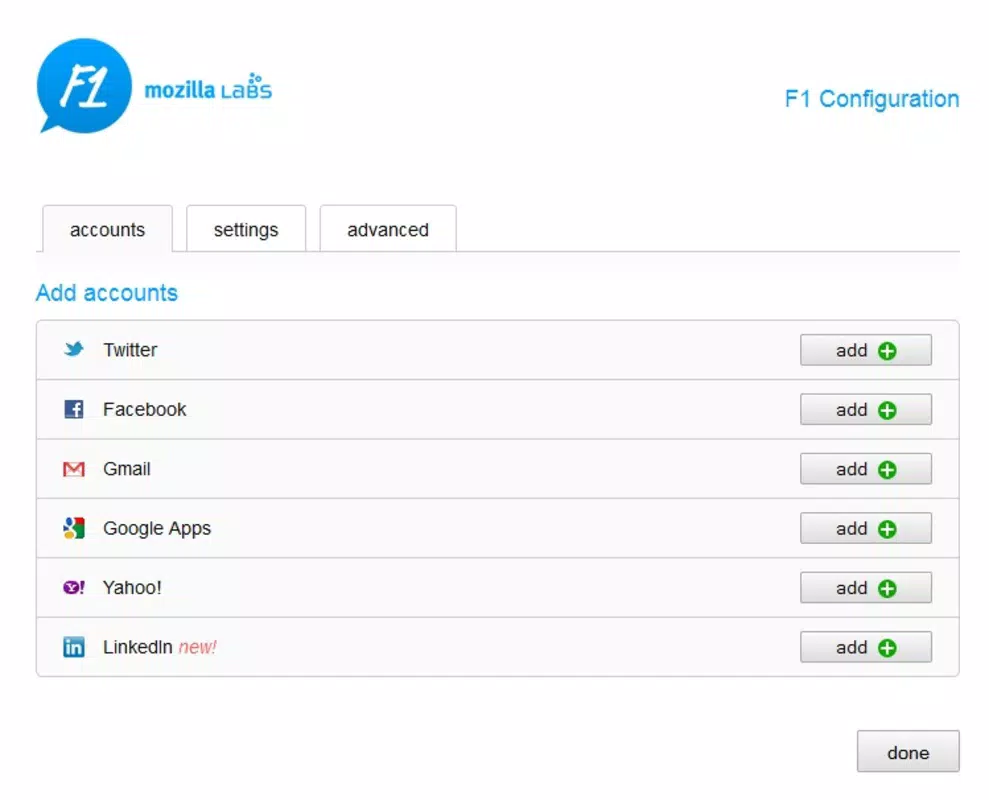
- Social Network Integration: The add-on supports major platforms such as Facebook, LinkedIn, and Twitter. This integration allows users to share content instantly with their followers or connections, encouraging real-time interaction and discussion.
- Email Service Support: In addition to social sharing, F1 integrates with popular email services like Gmail and Yahoo. This ensures users can send links directly via email, offering flexibility for private or formal communication.
- User-Friendly Interface: Designed with simplicity in mind, the interface avoids clutter and presents sharing options clearly. Even users with limited technical experience can navigate the tool without difficulty.
- Immediate Sharing Options: F1 provides instant access to sharing functions whenever interesting content is encountered. This feature supports spontaneous communication and helps maintain momentum in online conversations.
For example, a user reading a news article on a political development can click the F1 icon and immediately share it on LinkedIn with their professional network. Similarly, a student discovering a helpful tutorial can send it via Gmail to a study group. The seamless workflow reduces cognitive load and enhances productivity across both personal and professional use cases.
Interface, UX & Performance
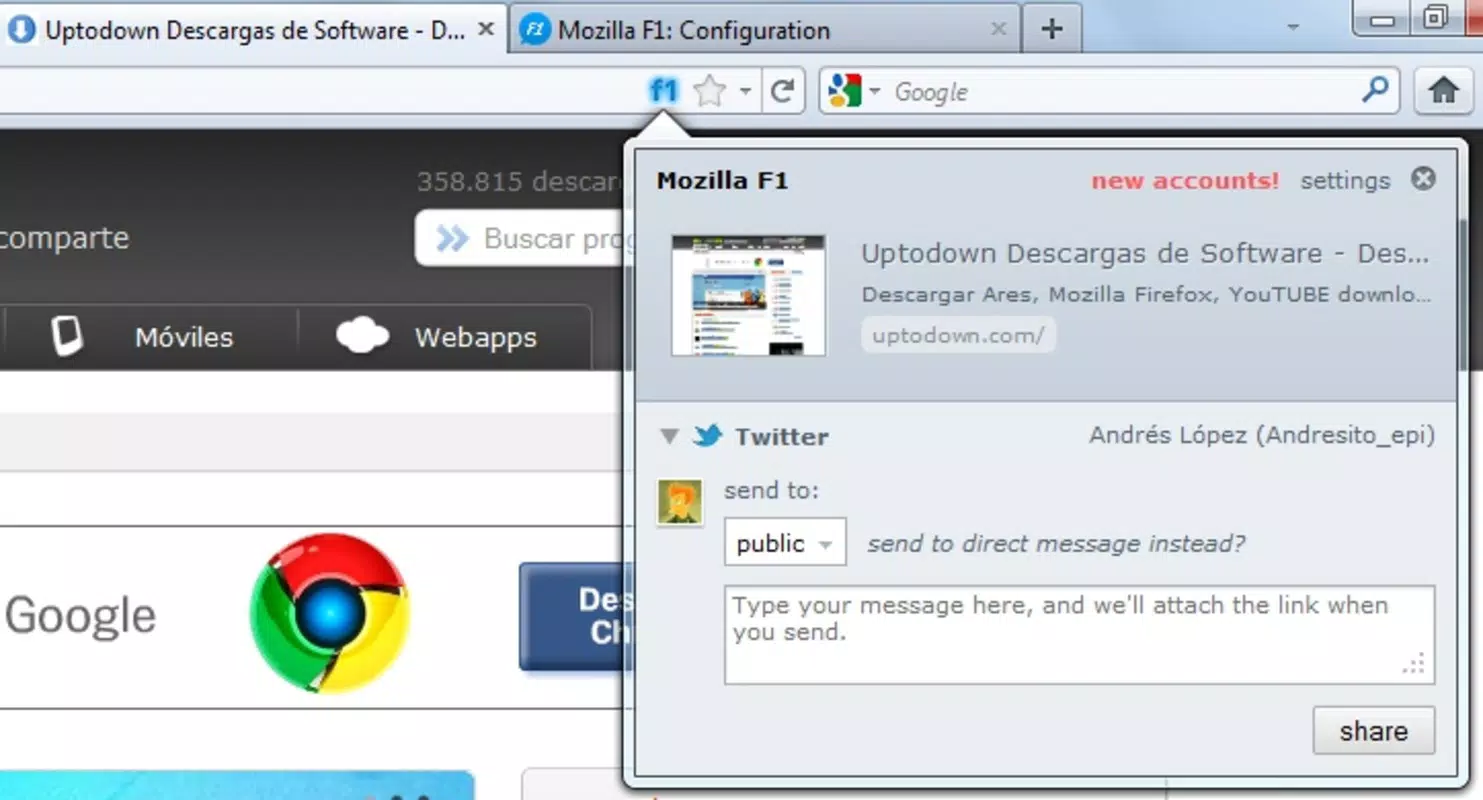
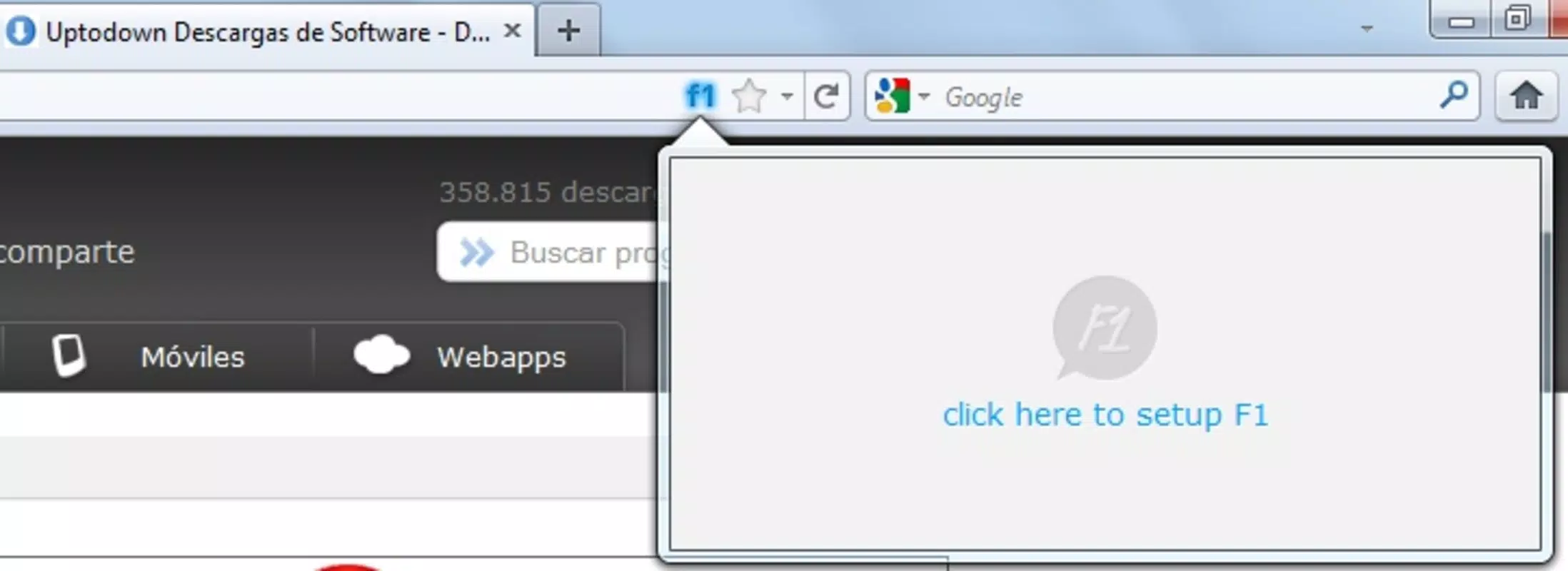
The interface of F1 is designed to be minimal and unobtrusive, aligning with Firefox’s user experience philosophy. It typically appears as a small icon in the browser toolbar, ensuring visibility without overwhelming the user. Navigation is straightforward: clicking the icon reveals a menu of sharing options, including social platforms and email services. The layout is clean, with clearly labeled icons and options, reducing the learning curve for new users.
Performance is optimized for browser efficiency. Although the developer did not list formal performance metrics, the add-on operates without noticeable delays during typical use. It does not appear to consume excessive memory or processing power, which is critical for maintaining smooth browsing. The tool remains responsive across various device categories, including desktops and laptops, though specific device compatibility details were not disclosed.
Stability is maintained through consistent updates and long-term support. Given its release date in 2012 and continued availability, F1 has demonstrated resilience against browser updates and security changes. The developer has not provided detailed information about crash reports or error handling, but user feedback suggests a reliable experience over time.
Platform Compatibility & Technical Requirements
F1 is designed exclusively for the Firefox browser. It is compatible with the latest versions of Firefox, though specific minimum OS requirements were not listed by the developer. The file size is not specified in the provided data, but given its nature as a lightweight browser add-on, it likely occupies minimal storage space.
Users should ensure they are running a supported version of Firefox to use F1 effectively. Compatibility with mobile versions of Firefox was not confirmed. The add-on is not available for other platforms such as Android or iOS, limiting its use to desktop environments. The developer did not provide information about system requirements, including RAM or processor specifications.
Pros and Cons
Pros
- One-click sharing reduces friction in content distribution.
- Supports multiple social platforms and email services.
- Simple, intuitive interface suitable for all user levels.
- Lightweight and efficient, with minimal impact on browser performance.
- Long-standing presence in the Firefox ecosystem indicates reliability.
Cons
- Available only for Firefox, not other browsers or mobile platforms.
- Specific technical requirements and file size were not disclosed.
- Limited to desktop use; no mobile support confirmed.
- Developer background and update frequency are not publicly detailed.
- May not support newer social platforms not listed in the original features.
FAQ
Is F1 safe to install on Firefox?
F1 is a browser add-on available through official Firefox channels. It does not require elevated permissions beyond standard sharing functions. As with any extension, users should ensure they download it from trusted sources.
Can I use F1 on mobile devices?
The developer did not confirm mobile compatibility. F1 is currently designed for desktop use within the Firefox browser and is not available for Android or iOS.
Does F1 work with all websites?
F1 functions on most websites that allow standard link sharing. It may not work on pages with strict content protection or anti-sharing measures, but these cases are rare.
How often is F1 updated?
The developer did not provide information about update frequency. However, the add-on has remained functional since its 2012 release, suggesting ongoing maintenance.
Can I customize the sharing options in F1?
Specific customization options were not listed. The default sharing menu includes major platforms, but users cannot add or remove services without developer support.
Final Thoughts
F1 remains a practical and efficient tool for Firefox users seeking to simplify online content sharing. Its focus on speed, simplicity, and integration with widely used platforms makes it a valuable utility for both personal and professional use. While it lacks mobile support and detailed technical disclosures, its core functionality is reliable and well-executed. For individuals who frequently share links via social media or email, F1 offers a seamless experience that enhances digital communication.
Download F1 now


